
Assign Patient Tasks in One Click
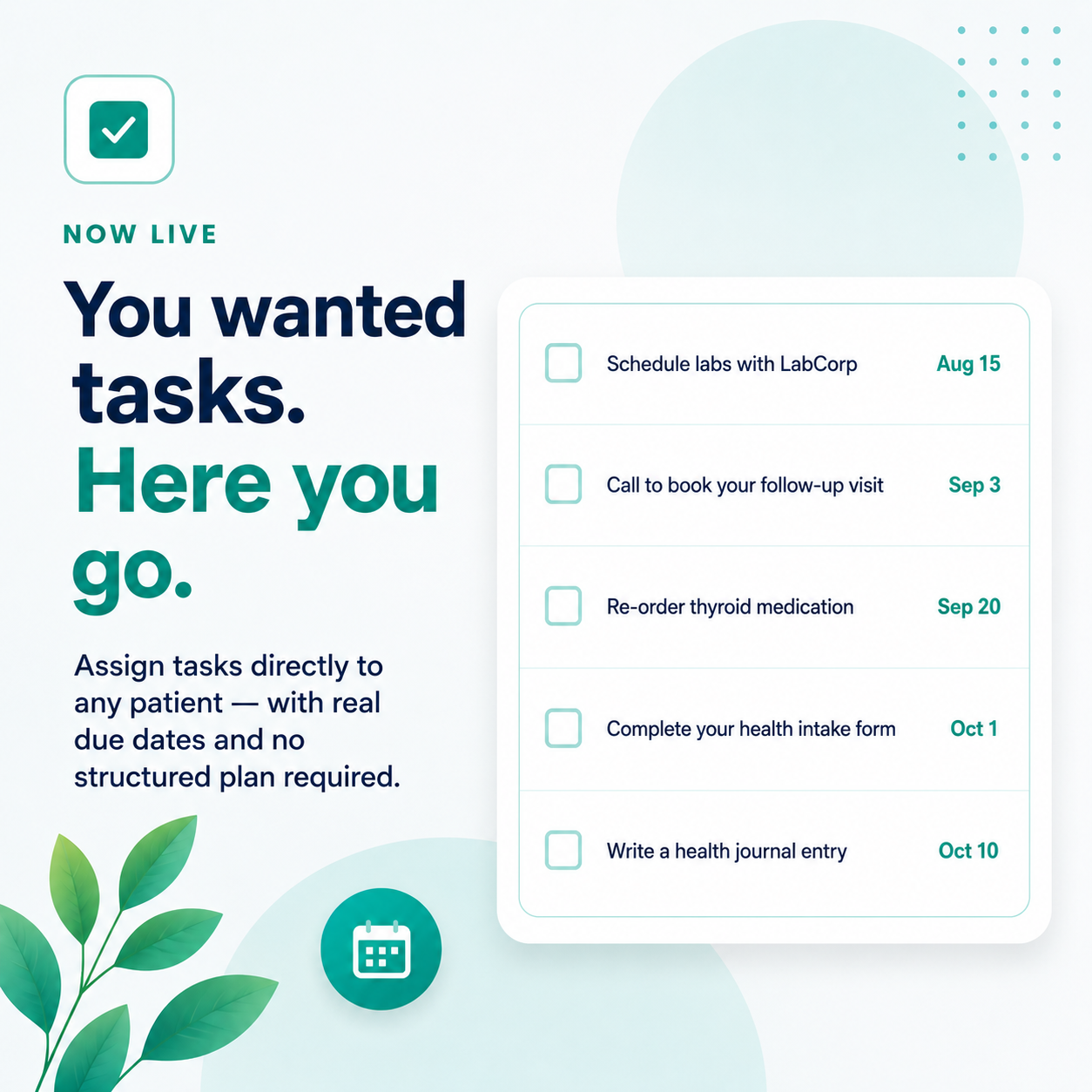
Assign patient tasks in one click.
If you’ve been a BodySite user for any length of time, you already know it. You wanted to assign a patient a simple task — call the office, get labs done, pick up a prescription — and instead of just doing that, you had to first create a program, figure out what day offset would land on the right date, do the math, and hope the patient actually had an active plan to attach it to.
It was a lot of infrastructure for what should have been a two-second interaction.
We heard you. We felt it too. And it’s fixed.
What changed—No plan required.
You can now assign tasks directly to any patient, with a real calendar due date, no structured plan required. These aren’t “day 14 of the program” tasks. They’re not tied to a course or a sequence or anything else. They’re just tasks — anchored to an actual date you choose, connected to nothing but what you and your patient need to happen and when.
If something comes up and the date needs to move, you change it. Light, easy, done.
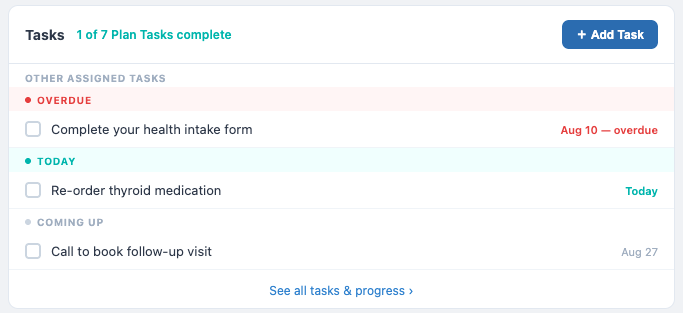
Not “day 6 of the plan.” Not “day 30 of the plan.” Actual calendar dates — the ones you pick because they’re when something needs to happen. No math, no offsets, no plan. Just a task, a deadline, and the option to set a reminder. Change the date any time.
What this looks like in practice
The range of things providers are already using this for is exactly what you’d expect once the friction is gone. Say a patient just finished a consult and you want to make sure labs are ordered before their next visit — you assign it, pick the date, and it lives on their overview until it’s done.
Or a patient left a message about a side effect and you want a follow-up call to happen by end of week — assign it, move on. Medication refills that need to happen before the 15th, intake forms that should be completed before an appointment, a check-in call at the two-week mark — all of it now has a home that isn’t a workaround.
The tasks themselves can come from your existing task library, or you can create something new on the spot. Either way, you’re not building a program to get there.
What’s included
Where this is going
This is the beginning of something bigger. We’re building toward full care sequences — where tasks, automatic course triggers, and upcoming appointments all live together as part of a single, coordinated patient journey.
Imagine a set of tasks that unfold alongside a course, with an upcoming appointment surfaced right in the same view, everything timed and visible without anyone having to manually stitch it together. That’s what’s coming.
We wanted to put this piece in your hands now because it works, it’s useful today, and you’ve been patient long enough. The rest is in progress and it’s going to be worth the wait.
| Try BodySite Free for 30 Days → |